
How to Install the Dash King 88 App and Claim the Android Bonus
We built DK88 to run comfortably from a mobile browser, and we also package a dedicated Android app for players who want a faster, app-icon route back into their account. This page covers where that app sits on our site, how the Android setup runs from start to finish, and the free spins reward that credits the moment installation completes.
Where to Find the DK 88 App
We don't route installs through a third-party app store listing. Instead, our app icons sit in two places on the site, and both point to the same Android package:
- An app icon inside the main site menu, alongside the usual account and game navigation.
- A "Mobile App" link in the footer, visible from any page.
Both spots show Android and iOS icons together, but the Android package is the one we actively distribute with a working install flow. We haven't published a direct App Store or Google Play URL for either platform — the icons link to our own DK-88 download page rather than an external listing.
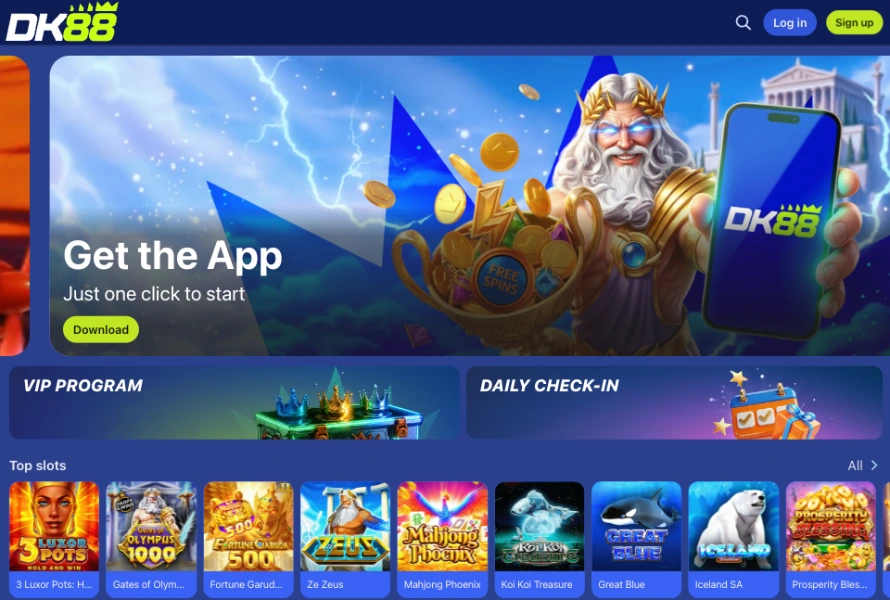
Installing the DK-88 App on Android
Because our APK doesn't come through Google Play, Android adds one extra permission prompt the first time you install an app from outside the store. Once that's approved, later updates won't ask again. Follow these steps to get the app running on an Android device:
- Open our site from your phone's browser, or scan the QR code shown on the app download page.
- Tap the app icon in the menu or the "Mobile App" link in the footer to reach the Android download page.
- Start the APK download and, if prompted, allow installation from this source — a one-time device setting.
- Open the downloaded file from your notifications or downloads folder to launch the installer.
- Confirm the install prompt and wait for the app icon to appear on your home screen.
- Launch the app and sign in with your existing DK-88 account, or register a new one from inside the app.
Your DK-88 login, balance and betting history stay identical across the app, the desktop site and the mobile browser, so switching between them mid-session doesn't cost you anything.
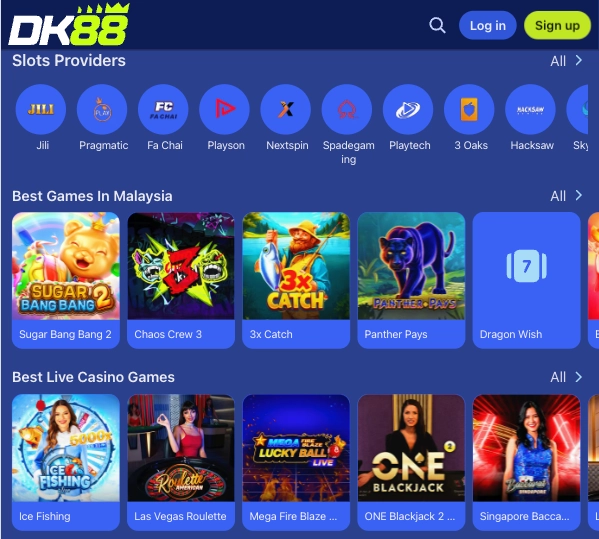
The DK-88 Android Install Bonus
Installing our Dashking88 Android app for the first time unlocks a standalone reward tied to the install itself, not to registration or a deposit. Here's what the offer includes:
- 28 free spins, each worth RM 0.20, for a nominal package value of RM 5.60.
- No wagering requirement on the spins or any winnings they produce (0x).
- Winnings from the spins are capped at RM 88.
- The spins run automatically on Gates of Olympus 1000 — no game selection step.
- No activation needed: we credit the reward the moment the Android app finishes installing.
There's no promo code and no in-app claim button for this one. It's an Android-only reward, separate from the deposit-based welcome offers we run elsewhere, and it doesn't extend to iOS or browser sessions.
iOS and Browser Access on Dashking 88
An iOS icon sits next to the Android one in our menu and footer, but the active install flow and the free spins reward above are Android-specific for now. iPhone players get the full DK88 lobby and sportsbook through the mobile browser instead, with the layout automatically switching to a phone-friendly view.
Deposits work the same way in the browser as they do in the app, through Touch 'n Go, DuitNow QR, FPX online banking, GrabPay, ShopeePay or Boost, each starting from RM 30. Adding Dash King to your home screen through your browser's share menu gives iOS players a quicker shortcut without a native install, and the same account, balance and bonus progress carry over regardless of which route you use.
DK88 App FAQ
Where do I download the DK88 app?
Through the app icon in our site menu or the "Mobile App" link in the footer — both lead to the Android download page on our own domain, not an app store listing.
Is the free spins bonus available on iPhone?
No, the 28 free spins reward is tied specifically to the Android app install and doesn't trigger on iOS or in a browser session.
Do I need to enter a code to get the app bonus?
No. We credit the 28 free spins automatically once the Android app finishes installing, with no code and no separate claim step.
Will my phone warn me about installing outside Google Play?
Most Android devices show a one-time prompt asking to allow installs from this source, since the APK comes directly from our domain. Approving it once is enough for future updates.
Does the app need a separate account?
No. The same DK88 username and password work across the app, the desktop site and the mobile browser, and you can also register a fresh account directly inside the app.